 Barcode Next
GS1-128 barcode
Create GS1-128 logistics and supply-chain barcodes using Application Identifiers, validation and structured GS1 data handling.
Supply-chain labels with structured multiple data elements
What is GS1-128?
GS1-128 uses the Code 128 barcode symbology to carry structured GS1 data. It is widely used in logistics, shipping, case labeling and supply-chain workflows where a symbol needs to encode more than a single product identifier.
Application Identifiers define the meaning and expected format of each data element, such as a GTIN, batch number, expiry date or quantity. For example, AI (01) carries a GTIN, AI (17) represents an expiry date, and AI (10) identifies a lot. These identifiers have different data formats and parsing requirements.
Data requirements
GS1-128 carries GS1 Application Identifier (AI) element strings. AIs define permitted character types and lengths; separators are required where variable-length elements precede more data. The initial FNC1 marks the data as GS1. When a variable-length element is followed by another element, a separator is required under the GS1 syntax rules; the parentheses commonly printed around Application Identifiers are not encoded literally.
Structure and sizing
The carrier uses Code 128 encoding with FNC1 signalling to identify GS1 data. Width varies with the element string and code-set choices, so the final size depends on the encoded content. Unlike a fixed-length retail barcode, GS1-128 grows with its data element strings. Its bar height, module width and overall size must be selected for the intended logistics or packaging application, including any label placement constraints.
Technical specifications
- Carrier
- Code 128 with GS1 FNC1 signalling
- Content
- GS1 Application Identifier (AI) element strings
- Separator
- FNC1 for relevant variable-length fields
- Check character
- Mandatory Code 128 symbol checksum
- Payload size
- GS1 application restrictions apply
- Standard
- GS1 General Specifications
- Human-readable AI example
- (01)09506000134352(17)271231(10)LOT42
GS1-128 in Barcode Next
Structured data, not arbitrary parentheses
GS1-128 starts with FNC1 after its Code 128 start character to signal a GS1 element string. Each Application Identifier defines the length and meaning of the following data.
Some GS1 elements have predefined length; other elements are variable length and need a separator if another element follows. A printed parenthesis is not a substitute for an encoded FNC1 separator.
Distribution and transport labels can combine product, quantity, batch and date information. The exact AIs depend on the application standard and trading partner.

Batch generation
Import CSV or XLSX data, validate individual records and generate multiple barcodes in one workflow.

Vector and raster export
Export scalable SVG, PDF or EPS files and high-resolution PNG, JPEG or TIFF images for production.

Label printing
Arrange barcodes on label sheets using presets or custom paper sizes, margins and grid layouts.
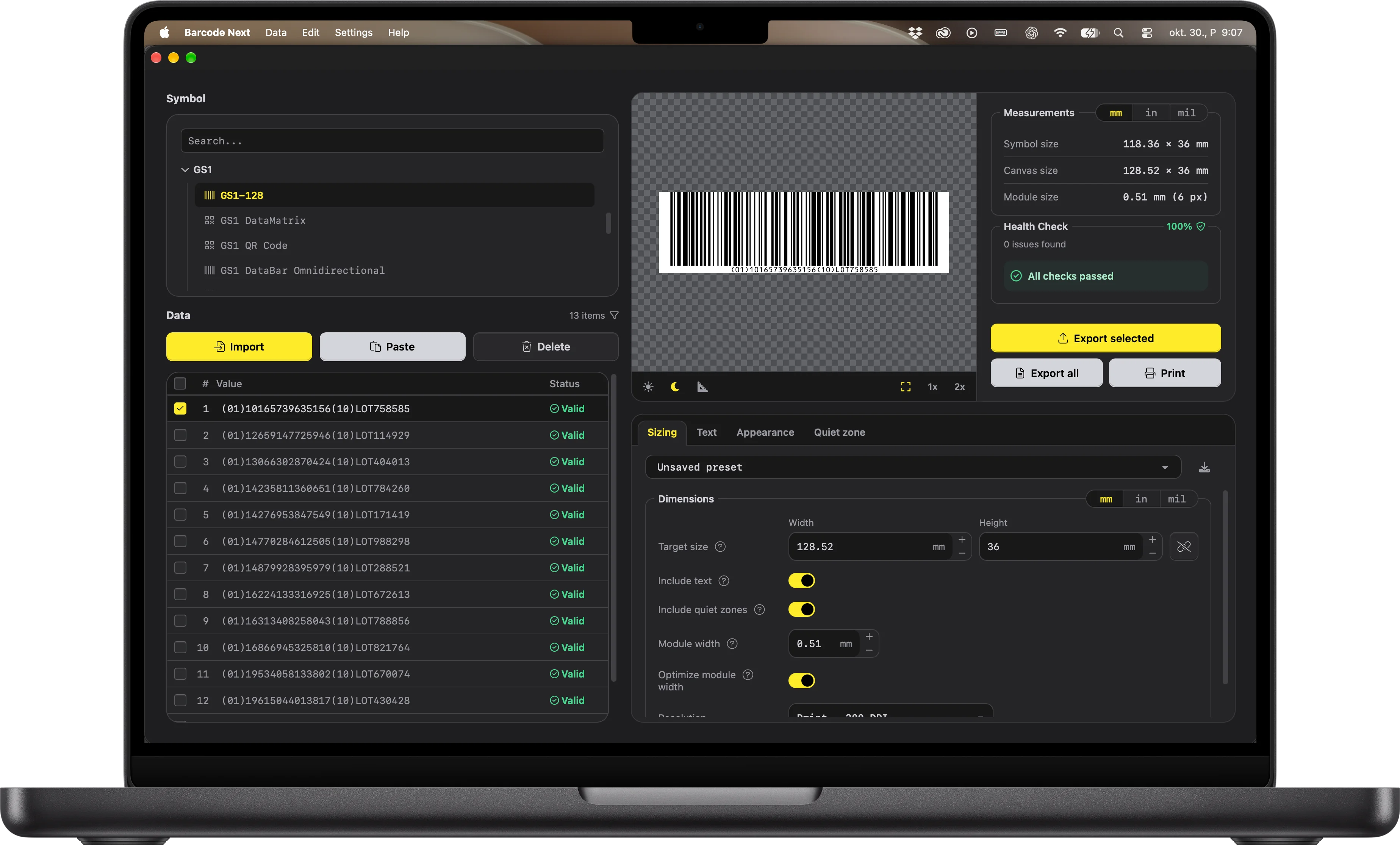
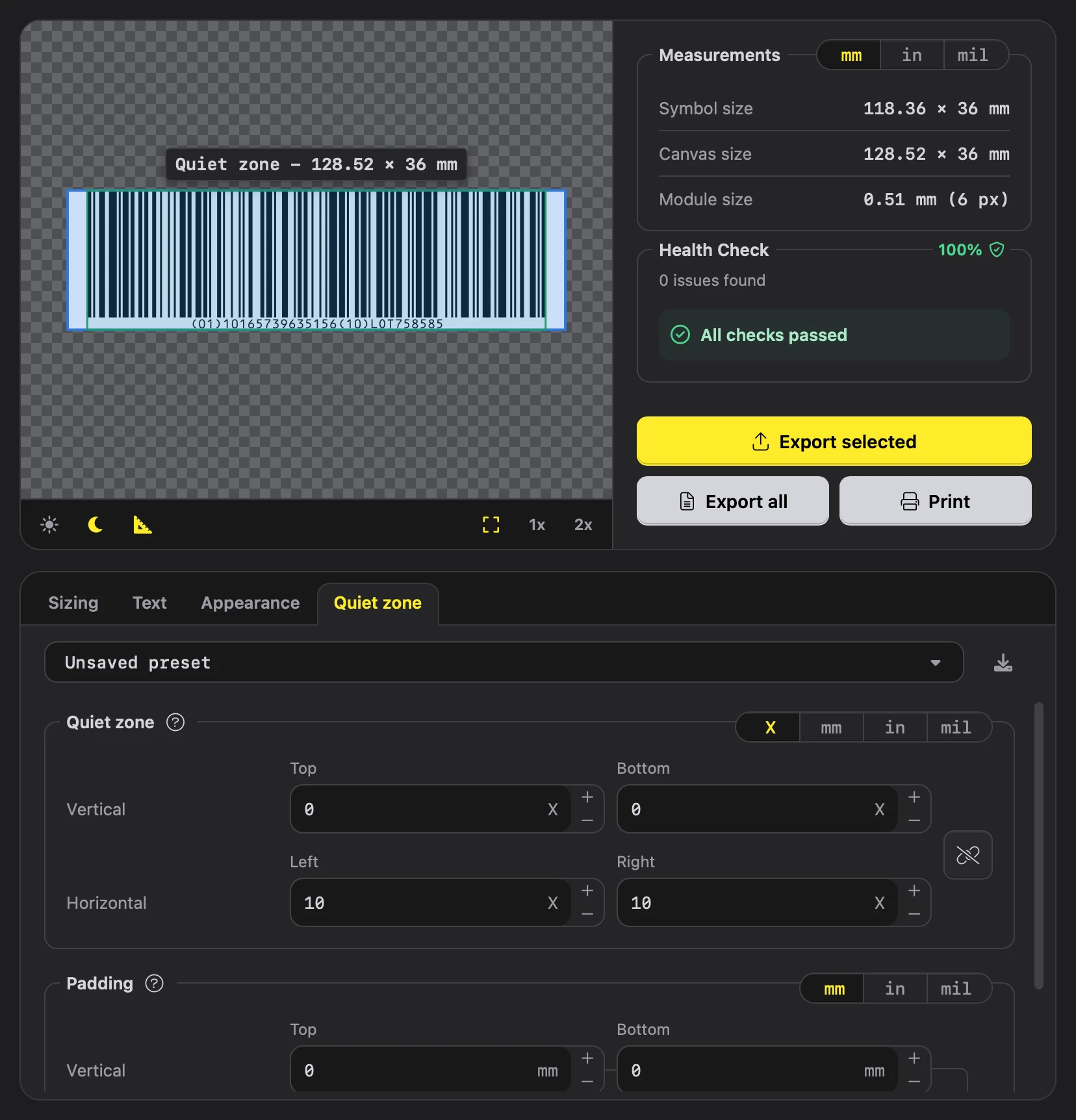
Available options depend on the selected symbology. The screenshot illustrates shared application controls, not a verified scan result for GS1-128.
Common issues and print considerations
Typing literal parentheses as separators
The parentheses shown in human-readable GS1 data are explanatory; FNC1 and the actual encoded structure control parsing.
Missing variable-field separators
A variable-length element followed by another element can be misinterpreted unless properly delimited.
Confusing the symbol check with a GTIN check digit
A GS1-128 symbol checksum and any check digit inside an encoded identifier serve different purposes.
Technical basis: GS1 General Specifications, release 26.0 (2026). Application and print specifications can impose additional requirements.
GS1-128 questions
What does FNC1 do in GS1-128?
It identifies the symbol as GS1-128 and, when required, separates certain variable-length element strings.
Are GS1 Application Identifier parentheses encoded?
No. The parentheses in human-readable notation are not literal data characters in the barcode.
Create GS1-128 with Barcode Next
Work with format-specific data rules, precise dimensions, validation and clear previews in a professional barcode editor for Mac and Windows.
Explore all features or compare the Mac and Windows editions.
Get started with Barcode Next
Download for free
Explore barcode formats, customize QR codes, prepare batches and preview label layouts.
Download