 Barcode Next
GS1 Application Identifier Validator
Check GS1 Application Identifier element strings using the official GS1 Syntax Dictionary. Validate field structure, dates, check digits and common AI combinations, and identify where further GS1-specific checks are needed.
Use the free tool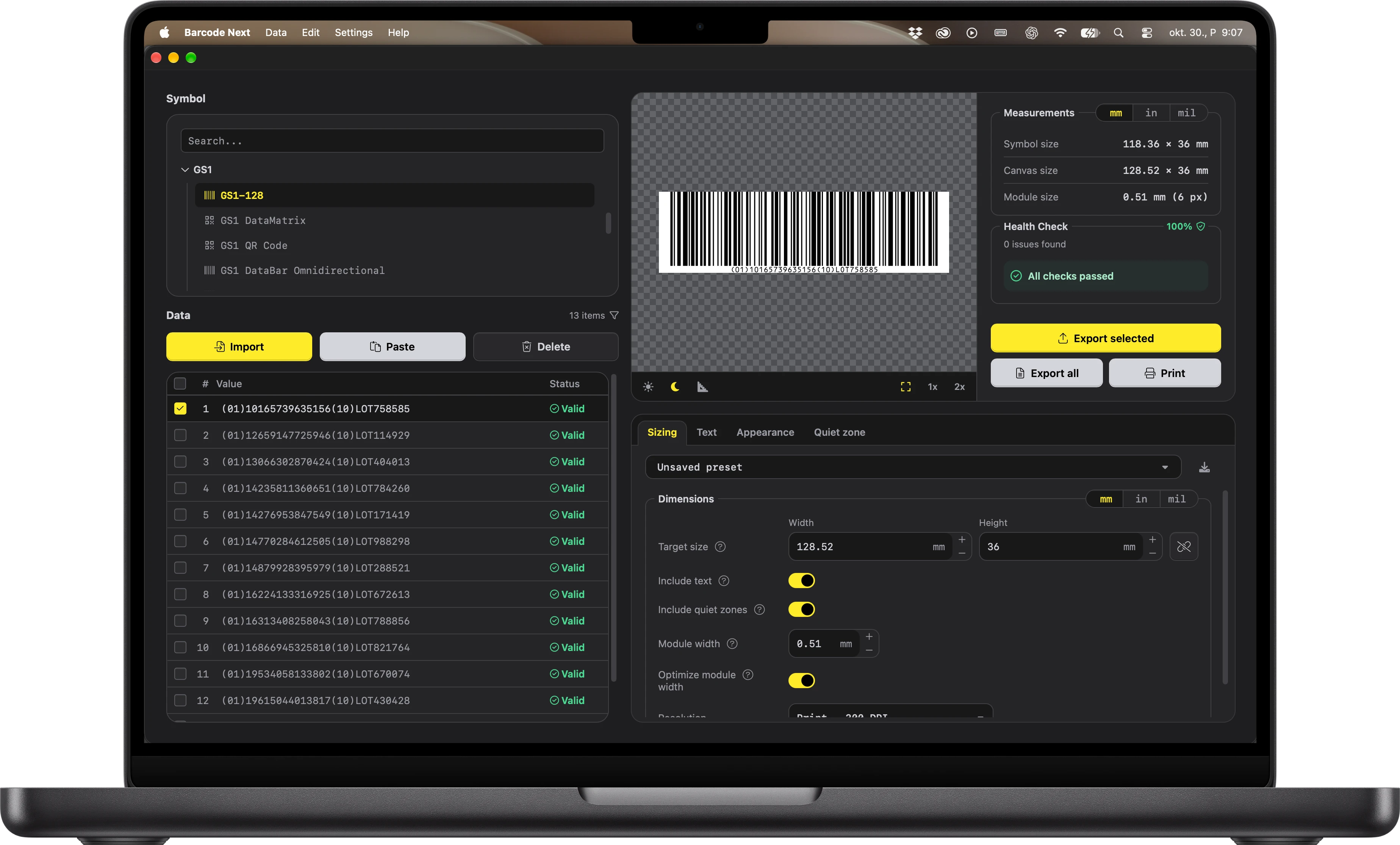
Checks the structure of 541 GS1 AIs, not assignment or ownership of GS1 identifiers or Company Prefixes. Advanced GS1 rules, encoded FNC1 and print quality are not verified.
Common mistakes to avoid
Assuming parentheses are FNC1
The brackets are human-readable formatting, not actual encoded group separators.
Assuming every AI uses the same field length
GS1 defines both fixed and variable lengths, as well as AI families for measures, prices, locations and logistics.
Mistaking format checks for certification
The tool inspects parenthesized text, not printed barcodes, code allocation, every special GS1 linter or scanner readability.
Frequently asked questions
Which GS1 Application Identifiers are supported?
The checker recognizes 541 assigned AI codes from the GS1 Barcode Syntax Dictionary, including measure, price, logistics, date and location families. Some specialized GS1 linters and cross-carrier business rules remain outside its scope.
Are the AI parentheses encoded into the barcode?
No. Parentheses identify fields for people reading the data. The encoded symbol uses AI values and, where necessary, FNC1 separators instead.
When is a separator needed between AI fields?
A variable-length AI followed by another element generally requires an encoded FNC1/group separator. If that variable-length element is last, no trailing separator is needed.
Can I paste raw scanner output?
No. This tool accepts parenthesized, human-readable GS1 element strings. It does not decode scanned ASCII 29 data or inspect the actual encoded barcode.
Does a valid result confirm full GS1 compliance?
No. It checks supported syntax, date and check-digit rules and some AI pairings, but not every specialized GS1 linter, identifier allocation, symbol encoding or print quality.
Take it further with Barcode Next
Create supported GS1 barcodes, validate your records and prepare finished artwork.
GS1 barcode types
Generate GS1-128 and other supported GS1 formats with symbol-specific settings.
Preflight feedback
Review input and output settings before preparing artwork.
Labels and batches
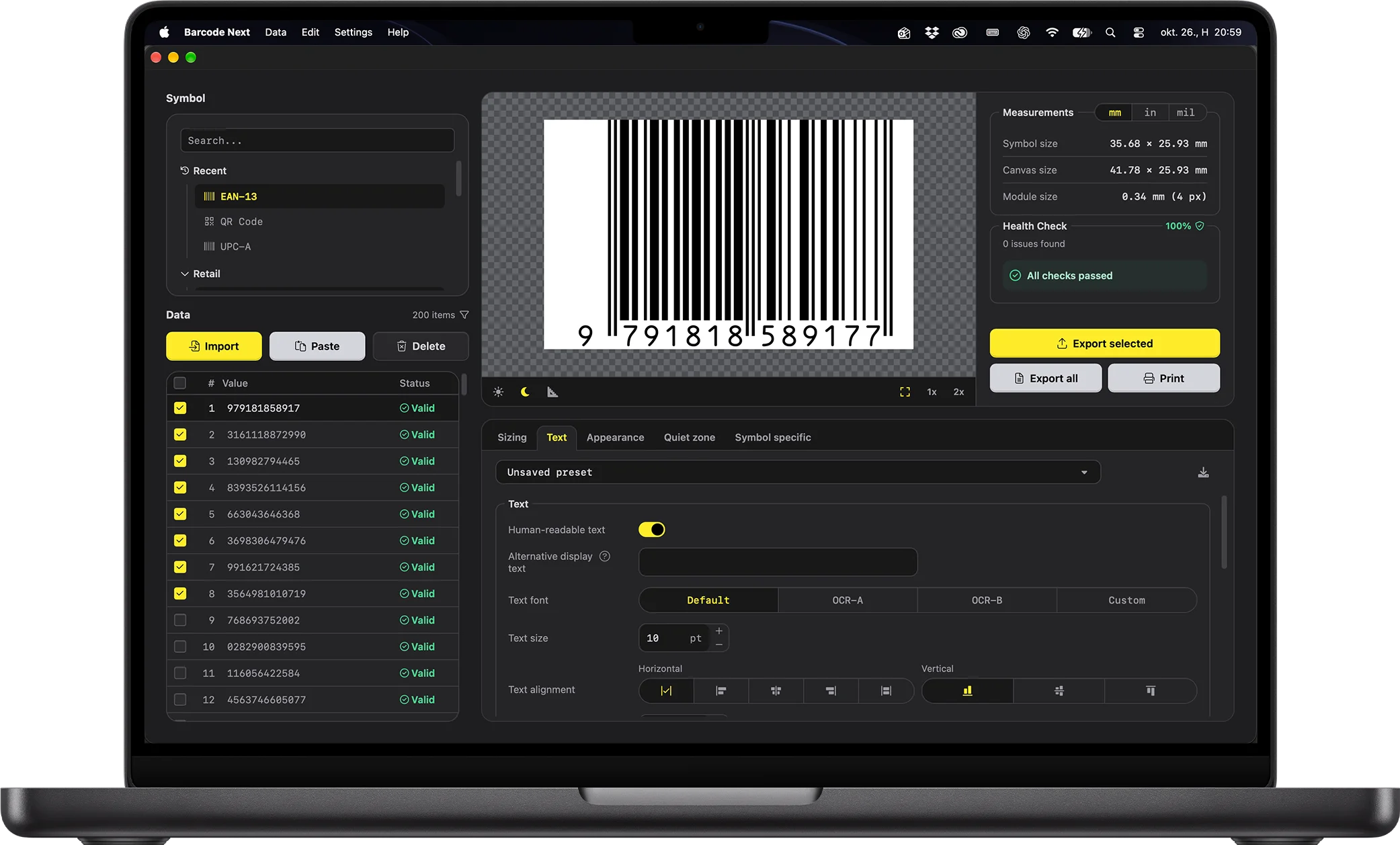
Handle multiple records and lay out symbols on printed label sheets.
Explore other free barcode tools
View all tools
Linear Barcode Size & Quiet Zone Calculator
Calculate minimum quiet zones and horizontal dimensions for 15 linear formats, including EAN, UPC, Code 128 and GS1-128.
Open free tool
Barcode Check Digit & Character Calculator
Calculate or verify check digits for app-supported EAN, UPC, ITF-14, GS1 DataBar, ISBN, ISSN, ISMN and Code 39 formats.
Open free tool
Barcode Print-Ready Checklist
Review data, dimensions, artwork and physical print verification before press approval.
Open free tool