 Barcode Next
Linear Barcode Size & Quiet Zone Calculator
Check the minimum quiet zones and dimensions of 15 linear barcode formats. Select a symbology, adjust the X-dimension and DPI, and enter the encoded module count when width depends on data.
Use the free tool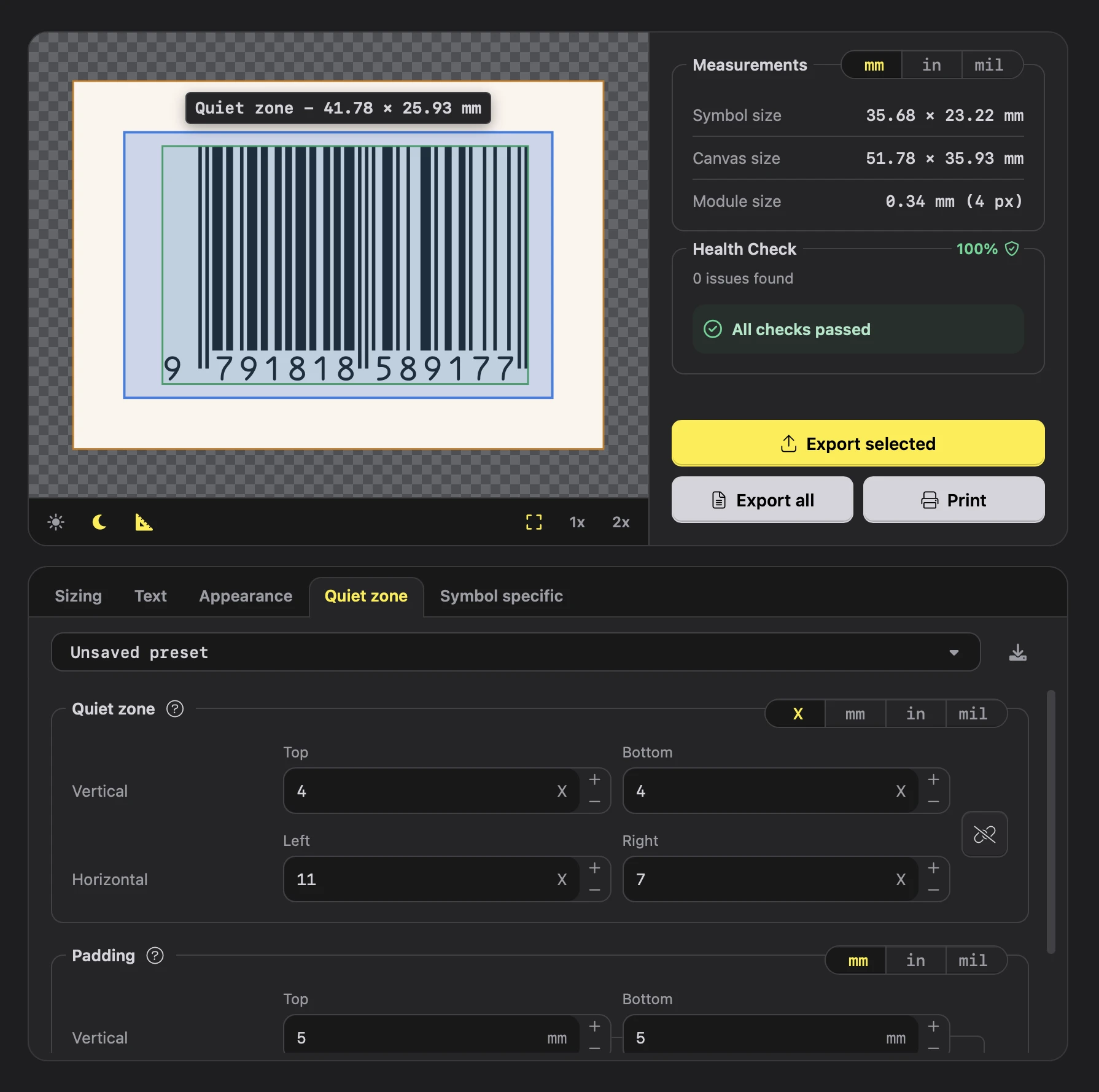
Quiet-zone dimensions
- Minimum total width
- Left quiet zone
- Right quiet zone
- Pattern width
- Effective X-dimension
- Top quiet zone
- Bottom quiet zone
- Total height
Illustrative horizontal proportions, not scannable barcode artwork.
This estimates minimum quiet-zone geometry for linear barcodes. Encoded width depends on data for variable-length symbols; final artwork may also include human-readable text, bearer bars and other layout elements.
Common mistakes to avoid
Measuring the bars without quiet zones
The encoded pattern alone is not the full footprint. Add the minimum clear space required for that symbol.
Using an incorrect X-dimension
Different linear symbologies have different recommended defaults. Choose the barcode type first, then adjust the module width and output resolution.
Assuming variable-length symbols have a fixed width
Code 128, GS1-128, Code 39 and other linear formats depend on the encoded data. Use the actual encoded module count when estimating total width.
Frequently asked questions
What does X-dimension mean for a linear barcode?
The X-dimension is the width of the smallest module used by the linear barcode. It determines the barcode’s horizontal scale and the required quiet zones.
Does the calculated width include quiet zones?
Yes, if the pattern width is known. Fixed-width formats such as EAN-13 or UPC-A include the clear space at both ends. For data-dependent formats, enter the encoded module count to estimate total width.
Which linear formats can I calculate?
The list includes EAN-13, EAN-8, UPC-A, UPC-E, ISBN, ISSN, ISMN, EAN-2/5 add-ons, Code 128, GS1-128, Code 39, Code 93, Codabar and ITF-14.
Why do my measurements change when I select a different DPI?
With whole-pixel optimization enabled, the module width snaps to a whole number of printer pixels, matching Barcode Next's sizing rule. Disable that option to see the unsnapped geometric size.
Does this guarantee a barcode will scan?
No. Quiet-zone geometry alone does not verify bar height, encoded data, contrast, print quality or scanner performance. Check the rendered symbol and the applicable production standard.
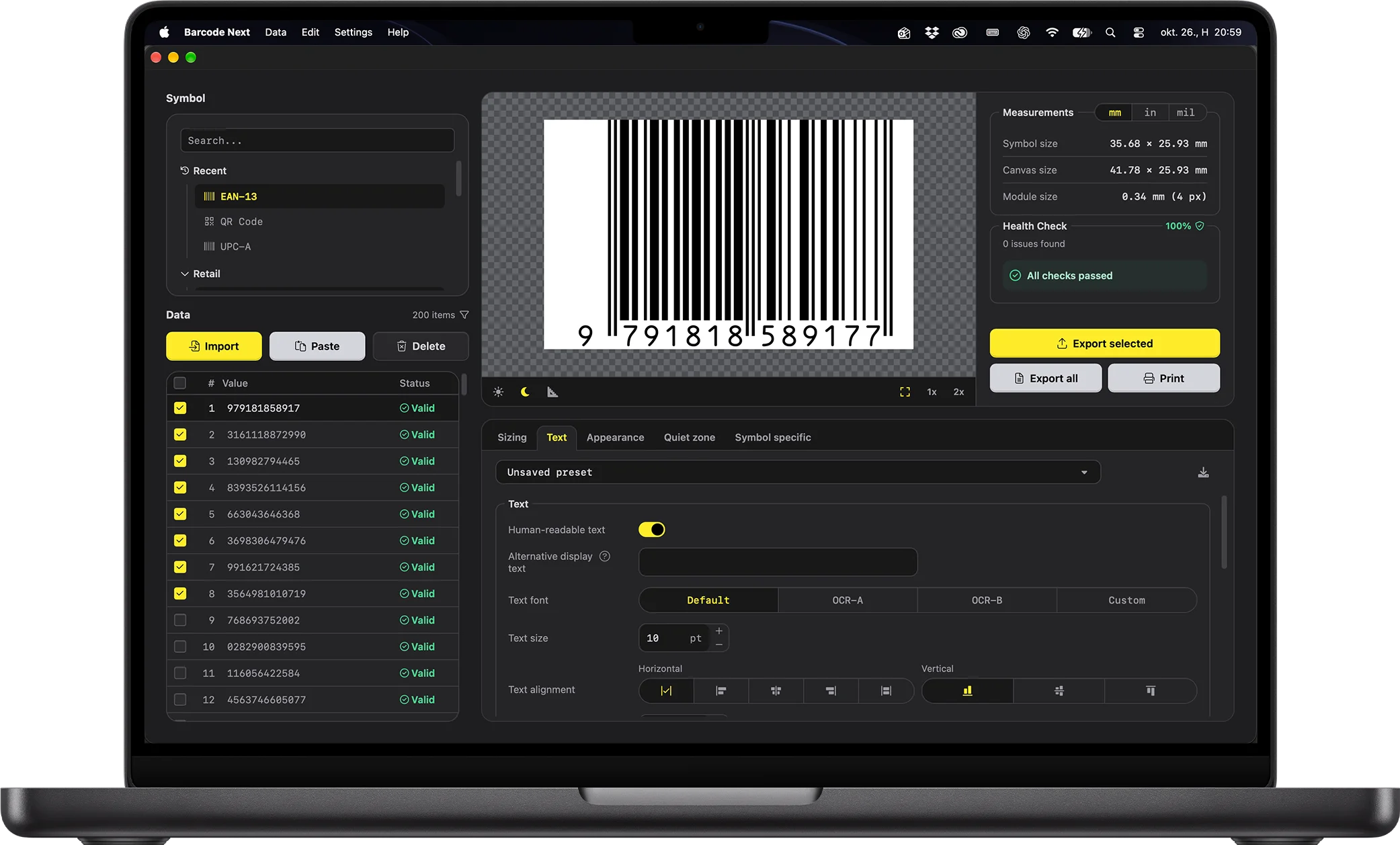
Take it further with Barcode Next
Set exact barcode dimensions, inspect the symbol and prepare vector artwork.
Precise dimensions
Set size in millimetres, inches or mils and review actual output measurements.
Health Check
Review symbol-specific warnings for sizing, quiet zones and output characteristics.
Production artwork
Create vector SVG, PDF and EPS files or choose a supported raster export.
Explore other free barcode tools
View all tools
Barcode Check Digit & Character Calculator
Calculate or verify check digits for app-supported EAN, UPC, ITF-14, GS1 DataBar, ISBN, ISSN, ISMN and Code 39 formats.
Open free tool
Barcode Print-Ready Checklist
Review data, dimensions, artwork and physical print verification before press approval.
Open free tool
GS1 Application Identifier Validator
Validate parenthesized GS1 data against 541 assigned Application Identifiers, including format, dates, checksums and FNC1 boundaries.
Open free tool