 Barcode Next
Barcode Check Digit & Character Calculator
Calculate or verify check digits for barcode symbologies supported by Barcode Next, including EAN, UPC, ITF-14, GS1 DataBar, ISBN, ISSN, ISMN and optional Code 39 check characters.
Use the free tool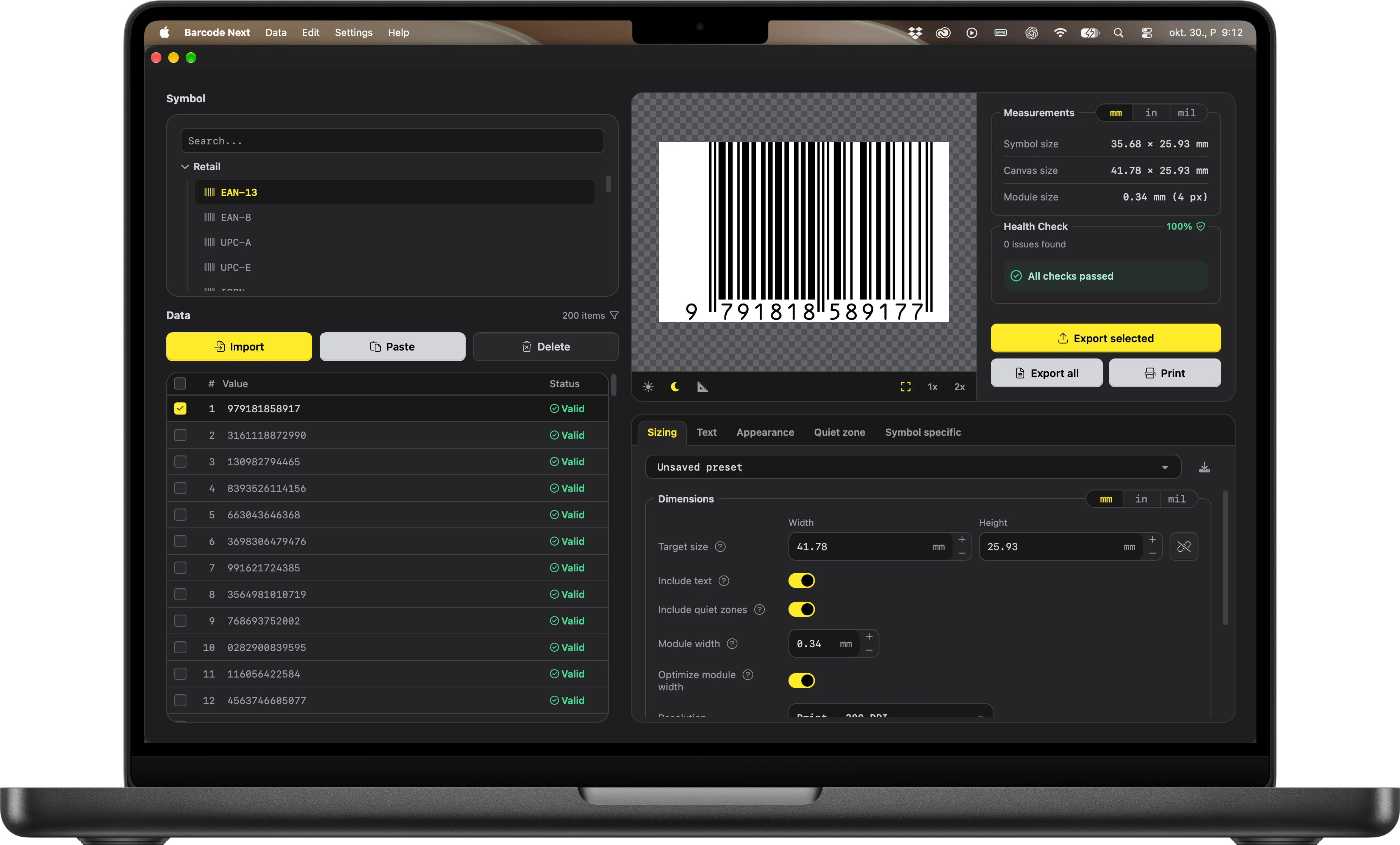
Enter a value to begin
- Complete number
- Expected check digit
- Entered:
- Weighted Modulo 10 sum
How the GS1 check digit is calculated
A matching check digit or character verifies arithmetic only. It does not confirm assignment, ownership, scanner readability or an encoder's internal Code 128/Code 93 checksum.
Common mistakes to avoid
Using the same algorithm for every barcode
EAN, UPC, ITF-14 and GS1 DataBar GTINs use GS1 Modulo 10. ISBN-10 and ISSN use Modulo 11, while Code 39 can include an optional Modulo 43 character.
Treating X as invalid for ISBN-10 or ISSN
An X in the final position represents a Modulo 11 result of ten. It is not used by GS1 numeric identifiers.
Confusing check digits with symbol verification
A matching check character does not prove that a number is registered, correctly encoded or scannable after printing.
Frequently asked questions
Which supported barcode types can I check?
The selection includes EAN-8, UPC-A, EAN-13, ITF-14, GS1 DataBar Omnidirectional and Limited, ISBN-10/13, ISSN, ISMN-13 and Code 39. Each corresponds to a symbology supported by Barcode Next.
How does the calculator know whether to calculate or verify?
For fixed-length identifiers, entering one fewer character calculates the final character; entering the complete value verifies it. For Code 39, use the checkbox to indicate that your input already includes a check character.
Why can ISBN-10 and ISSN end with X?
Their Modulo 11 calculations represent a check value of ten with the character X. Other supported GS1 numeric identifiers use a decimal check digit.
Can I enter ISBN or ISSN numbers with hyphens?
Yes, ISBN-10 and ISSN input can contain their usual hyphens or spaces. Numeric GS1 fields should contain digits only; Code 39 also accepts its standard uppercase character set.
Does this also validate UPC-E, Code 128 or Code 93?
UPC-E check digits depend on its expanded UPC-A number, while Code 128 and Code 93 have encoder-level check characters. This tool does not claim to verify their encoded symbol checksums.
Take it further with Barcode Next
Build and validate identifiers, including individual records in a CSV or Excel batch.
Format-aware validation
Review the expected character and length rules for a selected barcode.
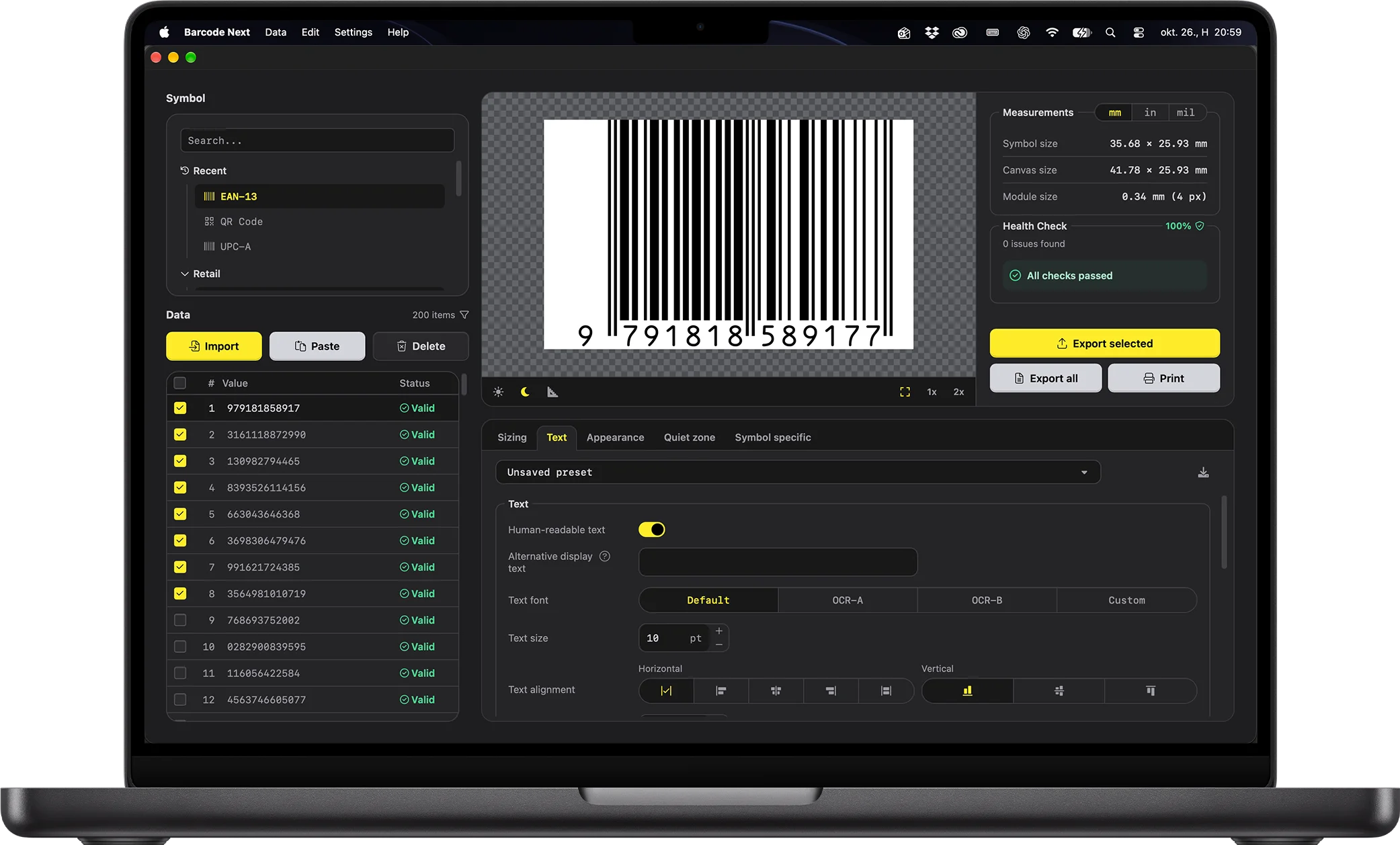
Batch processing
Import CSV or Excel records and inspect individual values.
Consistent output
Preview and export separate symbols or arrange them on printable labels.
Explore other free barcode tools
View all tools
Linear Barcode Size & Quiet Zone Calculator
Calculate minimum quiet zones and horizontal dimensions for 15 linear formats, including EAN, UPC, Code 128 and GS1-128.
Open free tool
Barcode Print-Ready Checklist
Review data, dimensions, artwork and physical print verification before press approval.
Open free tool
GS1 Application Identifier Validator
Validate parenthesized GS1 data against 541 assigned Application Identifiers, including format, dates, checksums and FNC1 boundaries.
Open free tool