 Barcode Next
Barcode Print-Ready Checklist
Prepare barcode artwork for print with a practical checklist covering data accuracy, symbol dimensions, quiet zones, contrast and final production verification.
Use the free tool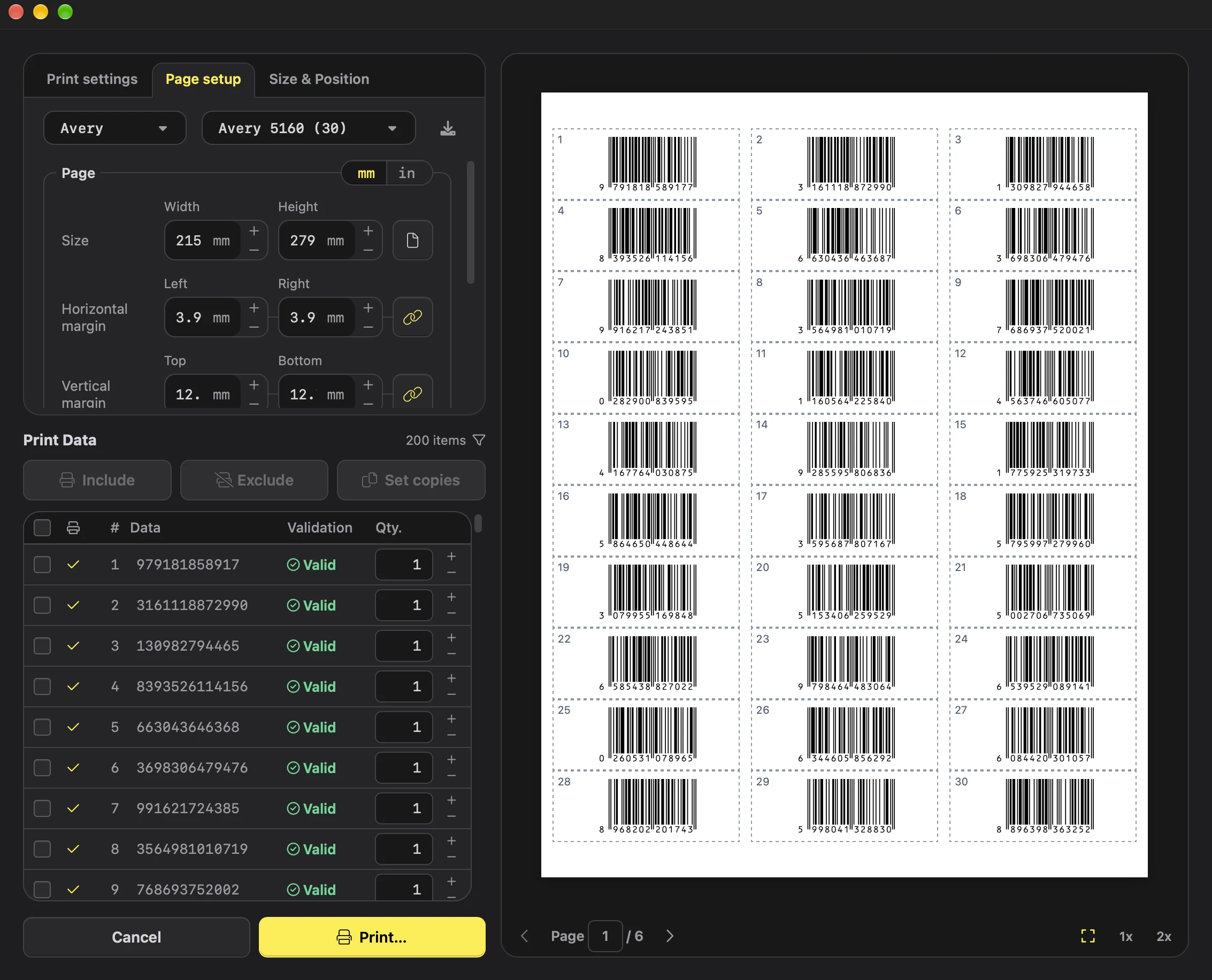
Data and identification
0 reviewedDimensions and placement
0 reviewedArtwork and reproduction
0 reviewedProduction verification
0 reviewedChecklist items are confirmed by you; this website does not measure print quality or certify GS1 compliance.
Barcode print-readiness checklist
A practical review of data, artwork and production readiness.
Data and identification
0 reviewedDimensions and placement
0 reviewedArtwork and reproduction
0 reviewedProduction verification
0 reviewedCommon mistakes to avoid
Treating a sharp preview as verification
Digital appearance does not measure reflectance, modulation, print defects or decodability on production material.
Clearing all unchecked requirements automatically
Only explicitly marked Not applicable items leave the applicable count. Open items remain pending.
Forgetting the substrate
A label on flat coated stock behaves differently from a direct-printed corrugated carton or flexible film.
Frequently asked questions
Does completing the checklist certify a barcode?
No. It records your own review steps. Physical print quality and any required GS1 verification grade must be assessed separately.
Is a vector file always required?
Vector artwork is often preferred for print, but a correctly generated raster image at an appropriate resolution can also work in a controlled production workflow.
Is a successful phone scan enough?
No. A successful scan can be a useful spot check, but it does not replace calibrated barcode verification when grading is required.
What should I provide to my print supplier?
Include the barcode symbology, encoded data, final dimensions, artwork, substrate and printing method, plus any placement or verification requirements.
What happens when I mark an item Not applicable?
It is excluded from the number of applicable items and recorded separately in the copied or printed summary. It is not treated as a completed technical check.
Take it further with Barcode Next
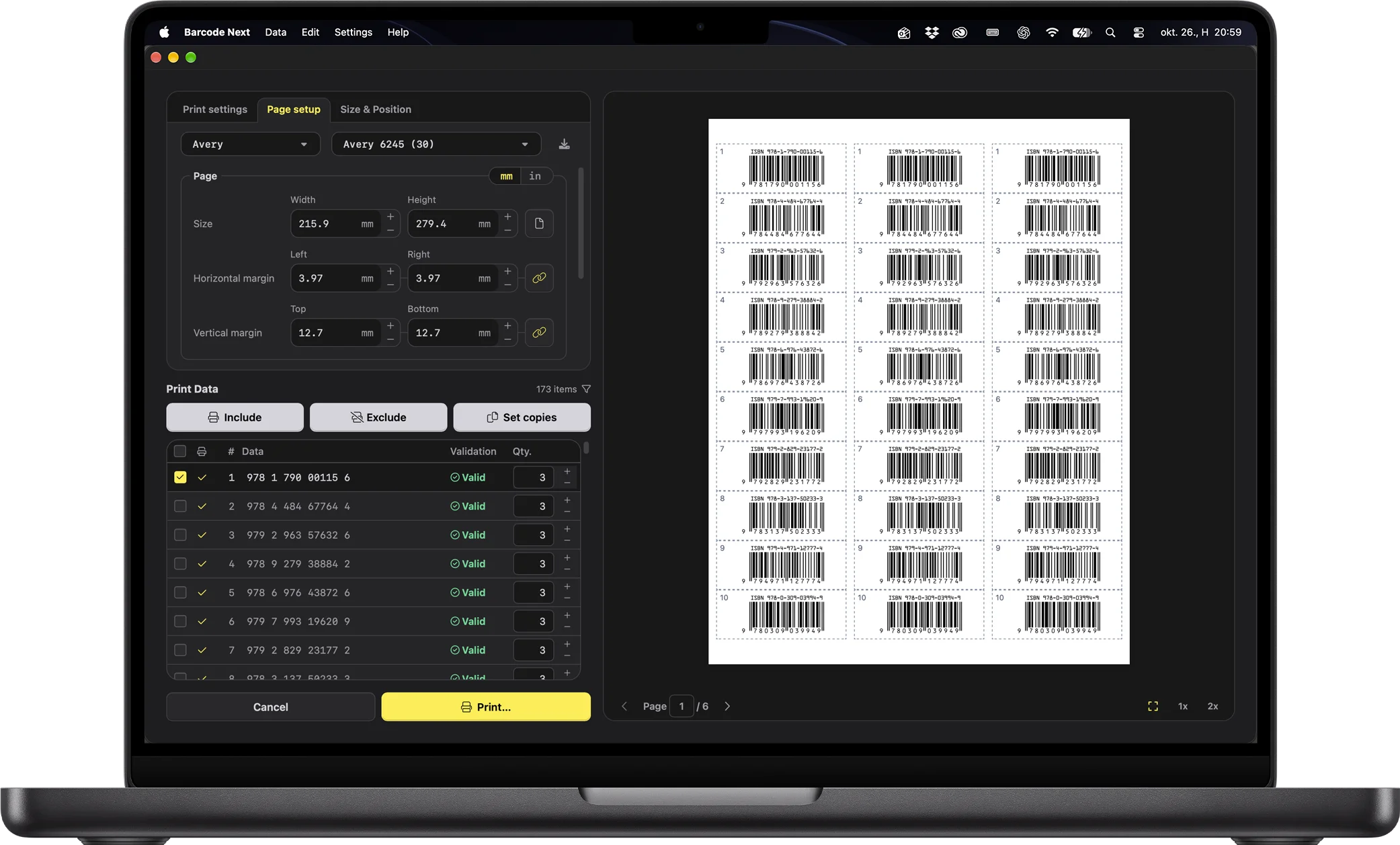
Prepare label-sheet layouts, review the preview and export print-ready files.
Label sheet templates
Select manufacturer presets or set custom page and label geometry.
Live sheet preview
Review margins, positions and selected records before printing.
Vector and CMYK
Prepare supported vector and print-color output formats.
Explore other free barcode tools
View all tools
Linear Barcode Size & Quiet Zone Calculator
Calculate minimum quiet zones and horizontal dimensions for 15 linear formats, including EAN, UPC, Code 128 and GS1-128.
Open free tool
Barcode Check Digit & Character Calculator
Calculate or verify check digits for app-supported EAN, UPC, ITF-14, GS1 DataBar, ISBN, ISSN, ISMN and Code 39 formats.
Open free tool
GS1 Application Identifier Validator
Validate parenthesized GS1 data against 541 assigned Application Identifiers, including format, dates, checksums and FNC1 boundaries.
Open free tool