 Barcode Next
Rectangular Micro QR (rMQR)
Create rectangular rMQR symbols for narrow layouts where a square QR Code is not the best fit.
Narrow labels and elongated available spaces
What is Rectangular Micro QR (rMQR)?
rMQR, or Rectangular Micro QR Code, extends the QR family with rectangular symbol sizes designed for narrow or elongated spaces.
This makes it useful in layouts where a square QR symbol would waste area or simply not fit the available shape. The standard defines specific height and width combinations, so the resulting code must be generated for its intended aspect ratio rather than stretched after rendering.
Data requirements
rMQR uses defined rectangular symbol sizes. The encoded content and correction setting must fit the capacity of the selected height and width. The payload must fit a permitted rectangular version at the selected error-correction level. A scanning device that reads ordinary QR Code may not recognize rMQR, making decoder compatibility a necessary part of choosing the format.
Structure and sizing
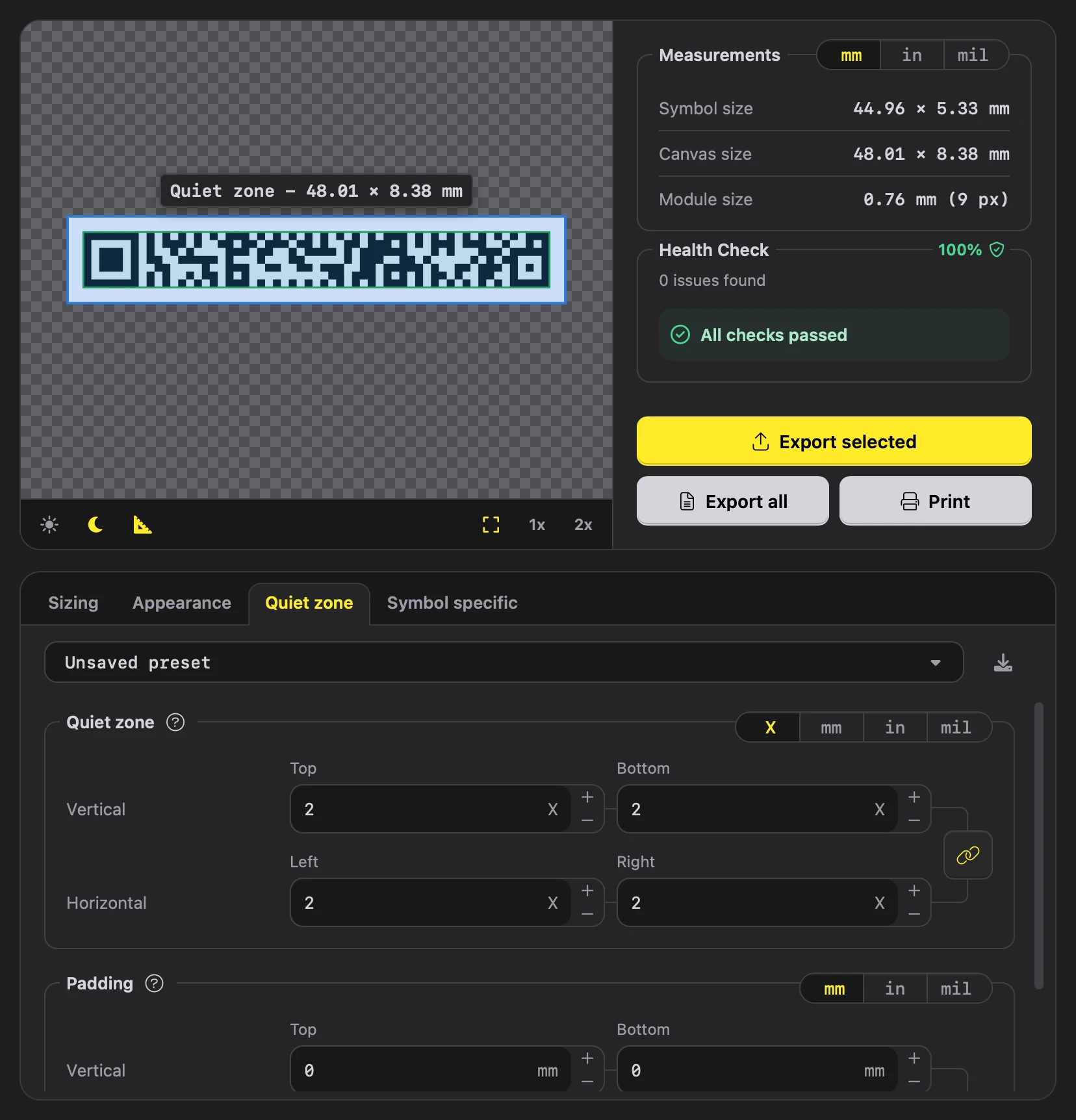
The finder and timing structures are designed for rectangular geometry; rMQR is not a stretched version of a square QR Code. The symbol has finder and timing structures adapted to a rectangular grid. The selected version governs the available module count and capacity. Physical X-dimension and clear margins remain important despite the elongated geometry.
Technical specifications
- Symbol
- Rectangular Micro QR (rMQR)
- Geometry
- Rectangular rather than square
- Data capacity
- Varies with selected size and encoding
- Correction
- Defined error-correction settings
- Reader support
- Requires rMQR-capable scanning software
- Standard
- ISO/IEC 23941:2022
- Example payload
- LOT-24-7
Rectangular Micro QR (rMQR) in Barcode Next
A different shape, not a stretched QR Code
rMQR is a separate QR-family symbology designed for rectangular spaces. Its code layout is generated natively: an ordinary QR Code must not be stretched into an rMQR.
Available versions use different heights and widths, so shape and capacity can be balanced for a particular label.
Decoder compatibility matters. A device that reads standard QR Code may not support rMQR without a compatible scanning library.

Batch generation
Import CSV or XLSX data, validate individual records and generate multiple barcodes in one workflow.

Vector and raster export
Export scalable SVG, PDF or EPS files and high-resolution PNG, JPEG or TIFF images for production.

Label printing
Arrange barcodes on label sheets using presets or custom paper sizes, margins and grid layouts.
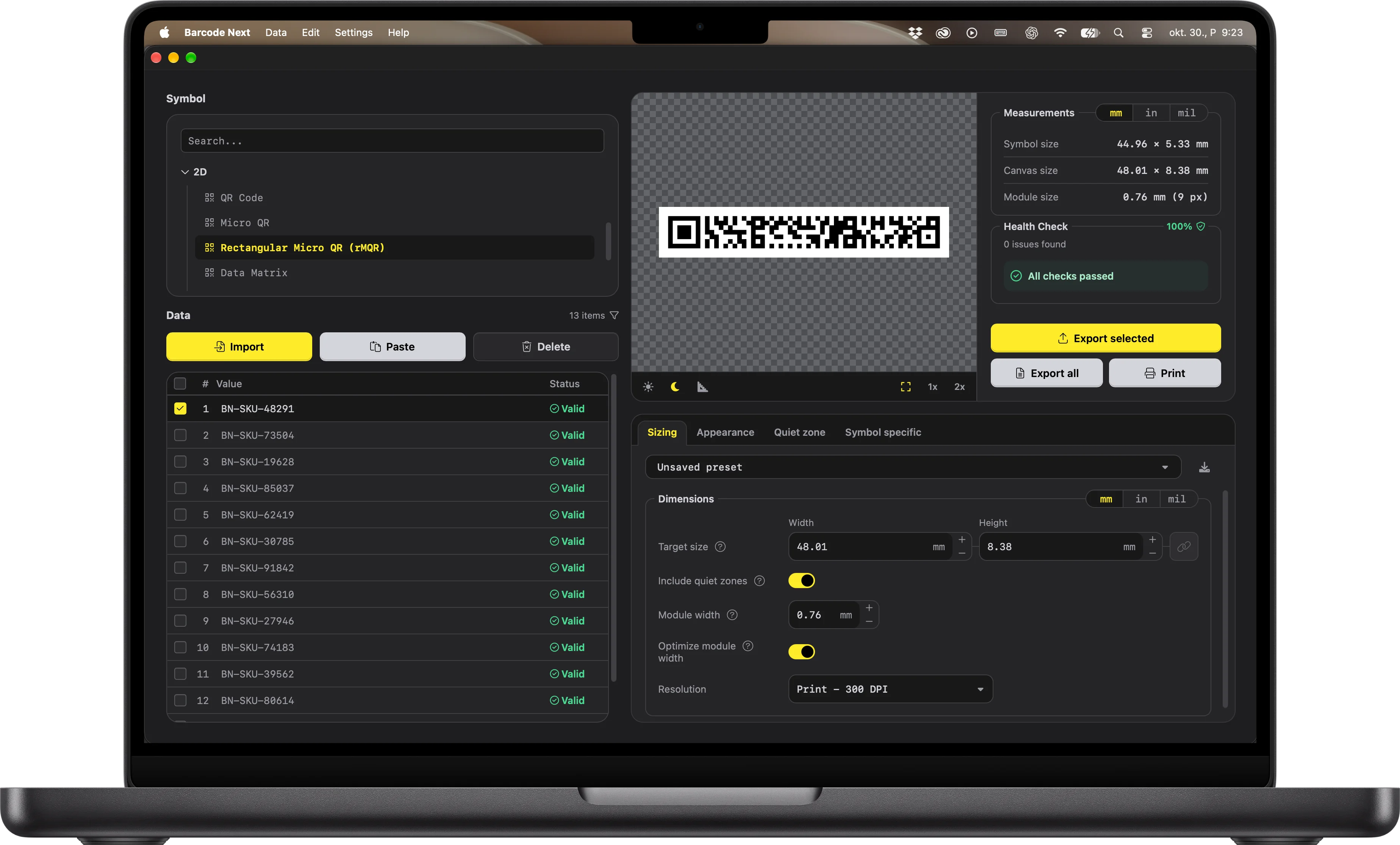
Available options depend on the selected symbology. The screenshot illustrates shared application controls, not a verified scan result for Rectangular Micro QR (rMQR).
Common issues and print considerations
Distorting a square QR symbol
A stretched QR Code is invalid artwork, not an rMQR conversion.
Assuming universal scanner compatibility
rMQR support must be verified in the actual scanning environment.
Technical basis: ISO/IEC 23941:2022. Application and print specifications can impose additional requirements.
Rectangular Micro QR (rMQR) questions
Is rMQR the same as Micro QR?
No. rMQR is a distinct rectangular symbology; Micro QR uses compact square versions.
Which standard specifies rMQR?
ISO/IEC 23941:2022 defines its encoding, formats, dimensions and error-correction rules.
Create Rectangular Micro QR (rMQR) with Barcode Next
Work with format-specific data rules, precise dimensions, validation and clear previews in a professional barcode editor for Mac and Windows.
Explore all features or compare the Mac and Windows editions.
Get started with Barcode Next
Download for free
Explore barcode formats, customize QR codes, prepare batches and preview label layouts.
Download