 Barcode Next
Micro QR Code
Generate compact Micro QR symbols for small-data applications where a standard QR Code would occupy more space than necessary.
Smaller labels with limited payloads
What is Micro QR?
Micro QR is a smaller member of the QR Code family intended for applications with limited data and limited physical space.
It uses a single finder pattern instead of the three large finder patterns used by standard QR Code, reducing overhead and allowing smaller symbols. Since Micro QR trades capacity for a smaller footprint, it is most appropriate for short, well-defined values rather than long URLs or arbitrary documents.
Data requirements
Micro QR has four versions (M1–M4) with different payload capacities. Available data modes and error-correction options depend on the version. Each M1–M4 version supports particular data modes and error-correction options. The smallest version is highly restricted, so capacity checks must consider both the character set and the intended correction level, not just total input length.
Structure and sizing
Unlike standard QR Code, Micro QR uses one primary finder pattern. Its square grid and data region vary with the chosen version. A single finder occupies one corner, with reduced timing and data overhead. The number of modules depends on the selected version. Quiet-zone requirements and scanner support differ from standard QR Code and must be verified for the intended use.
Technical specifications
- Structure
- Compact square QR-family matrix
- Finder pattern
- One primary finder
- Versions
- M1, M2, M3 and M4
- Data capacity
- Lower than ordinary QR Code
- Error correction
- Availability varies by version
- Standard
- ISO/IEC 18004 (QR Code family)
- Example short payload
- 12345
Micro QR in Barcode Next
Small symbols have stricter limits
Micro QR is a reduced-size member of the QR family with one finder pattern, rather than the three prominent corners of a standard QR Code.
Its four versions have different capacities and error-correction capabilities. Not every payload or correction setting fits every version.
Micro QR is useful where the printing area is small and the target scanner explicitly supports the format. General smartphone support should not be assumed.

Batch generation
Import CSV or XLSX data, validate individual records and generate multiple barcodes in one workflow.

Vector and raster export
Export scalable SVG, PDF or EPS files and high-resolution PNG, JPEG or TIFF images for production.

Label printing
Arrange barcodes on label sheets using presets or custom paper sizes, margins and grid layouts.
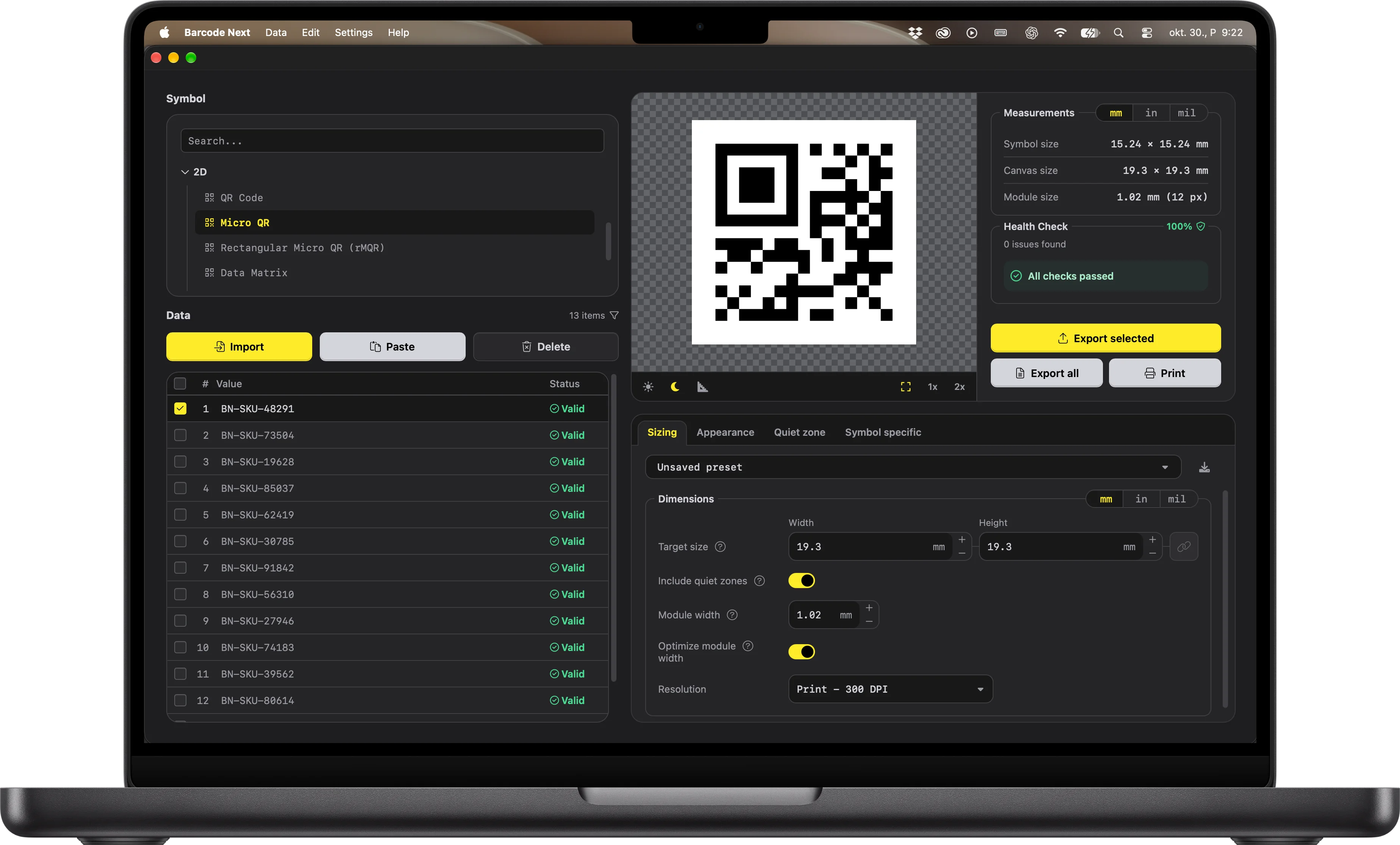
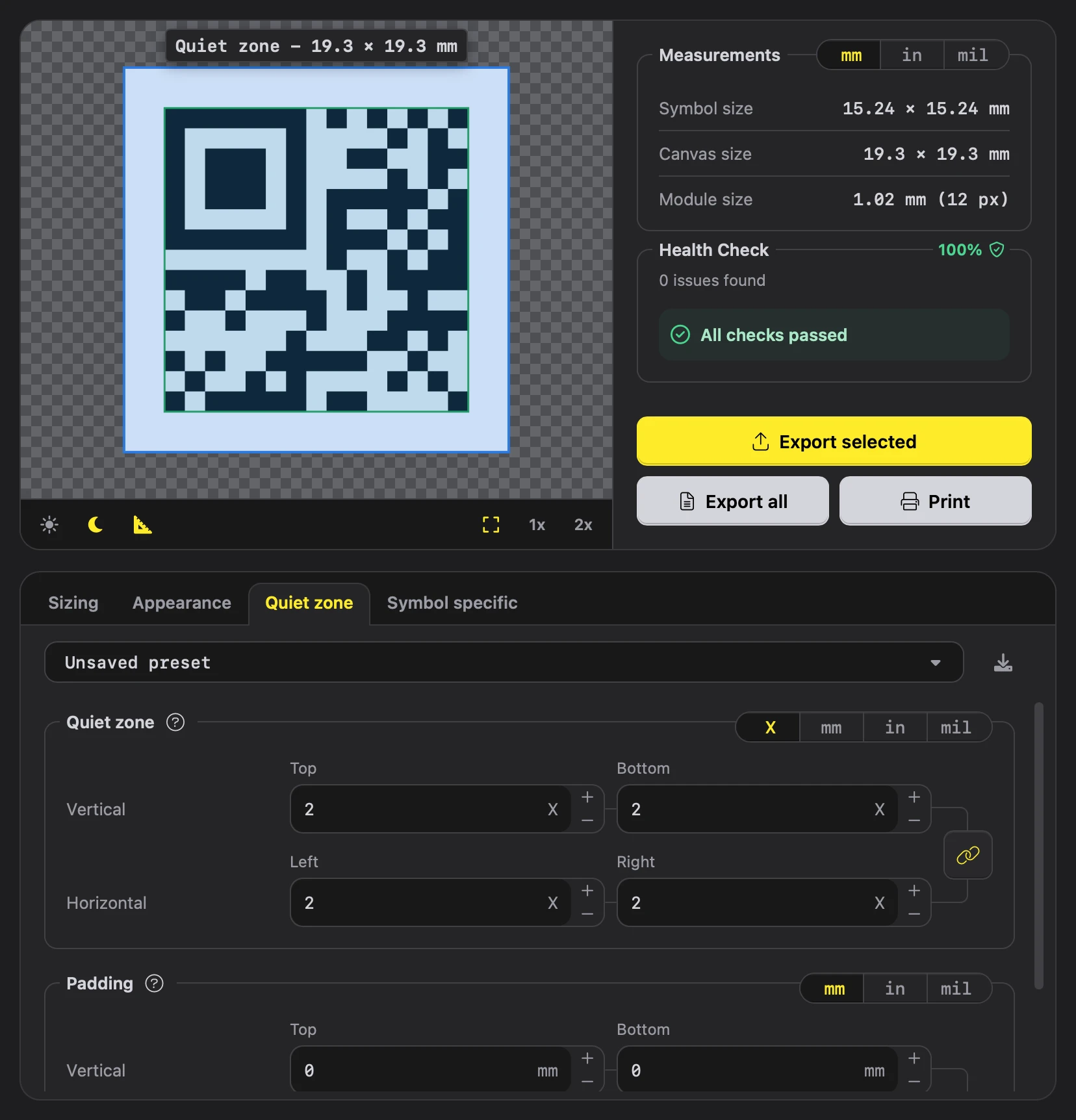
Available options depend on the selected symbology. The screenshot illustrates shared application controls, not a verified scan result for Micro QR.
Common issues and print considerations
Too much content for the selected version
An input valid as plain text may still exceed Micro QR capacity.
Assuming standard QR reader support
A decoder that reads ordinary QR Code is not guaranteed to support Micro QR.
Technical basis: ISO/IEC 18004 (QR Code family). Application and print specifications can impose additional requirements.
Micro QR questions
How does Micro QR differ from QR Code?
It uses smaller symbol versions and one primary finder, at the cost of reduced data capacity.
Can any URL fit in a Micro QR?
No. Available payload space is limited and may be insufficient for long URLs.
Create Micro QR with Barcode Next
Work with format-specific data rules, precise dimensions, validation and clear previews in a professional barcode editor for Mac and Windows.
Explore all features or compare the Mac and Windows editions.
Get started with Barcode Next
Download for free
Explore barcode formats, customize QR codes, prepare batches and preview label layouts.
Download