 Barcode Next
Aztec Code
Create Aztec Code symbols for compact, robust 2D applications with scalable sizing and vector or raster output.
Tickets, transport documents and compact embedded data
What is Aztec?
Aztec Code is a two-dimensional matrix barcode recognized by its central bullseye finder pattern. It is used in workflows such as transport ticketing, documents and other applications where compact symbols and robust decoding are useful.
Unlike QR Code, Aztec does not rely on large corner finder squares, allowing the symbol to use its area efficiently. Its centred finder differs from QR Code's three large corner squares, and compact and full-range variants use different layer arrangements.
Data requirements
Aztec Code encodes text or binary data with error correction. Required capacity and correction settings determine the permissible compact or full-range symbol size. The encoder must select a symbol size and error-correction capacity suitable for the payload. Reader support and any transport-ticket or document-specific data requirements should be checked independently of whether the encoded bitstream itself is valid.
Structure and sizing
A central bullseye acts as the finder, surrounded by data layers. Compact and full-range variants differ in layout and capacity. The central bullseye is surrounded by progressively larger data layers. Full-range versions add reference structures as needed. Final readability depends on module definition and contrast in the target medium, not only on the symbol's nominal capacity.
Technical specifications
- Finder
- Central bullseye pattern
- Structure
- Compact and full-range families
- Capacity
- Depends on layers and encoding
- Error correction
- Configurable within symbology rules
- Surrounding clearance
- Aztec-specific requirements; not QR quiet-zone values
- Standard
- ISO/IEC 24778
- Example payload
- TICKET-2026-A42
Aztec in Barcode Next
A distinctive central finder
Aztec Code is recognizable by its concentric central bullseye finder. Its layout and size rules differ from Data Matrix and QR Code.
Compact and full-range symbols offer different capacities. The encoder selects a permitted arrangement based on the content and configuration.
It is used in many ticketing workflows, where scanners and printing conditions are specified by the issuer. The symbology alone does not make a ticket valid.

Batch generation
Import CSV or XLSX data, validate individual records and generate multiple barcodes in one workflow.

Vector and raster export
Export scalable SVG, PDF or EPS files and high-resolution PNG, JPEG or TIFF images for production.

Label printing
Arrange barcodes on label sheets using presets or custom paper sizes, margins and grid layouts.
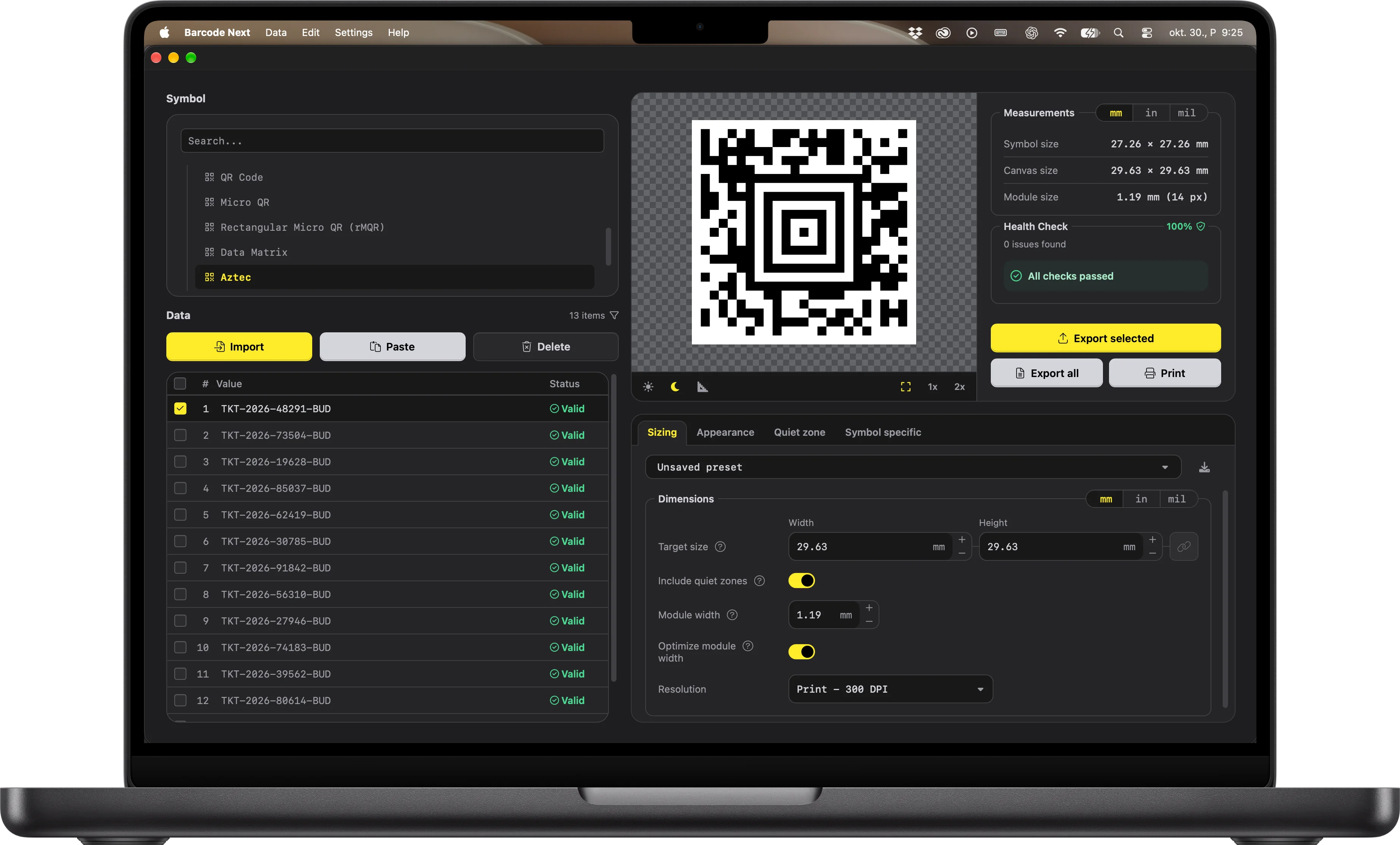
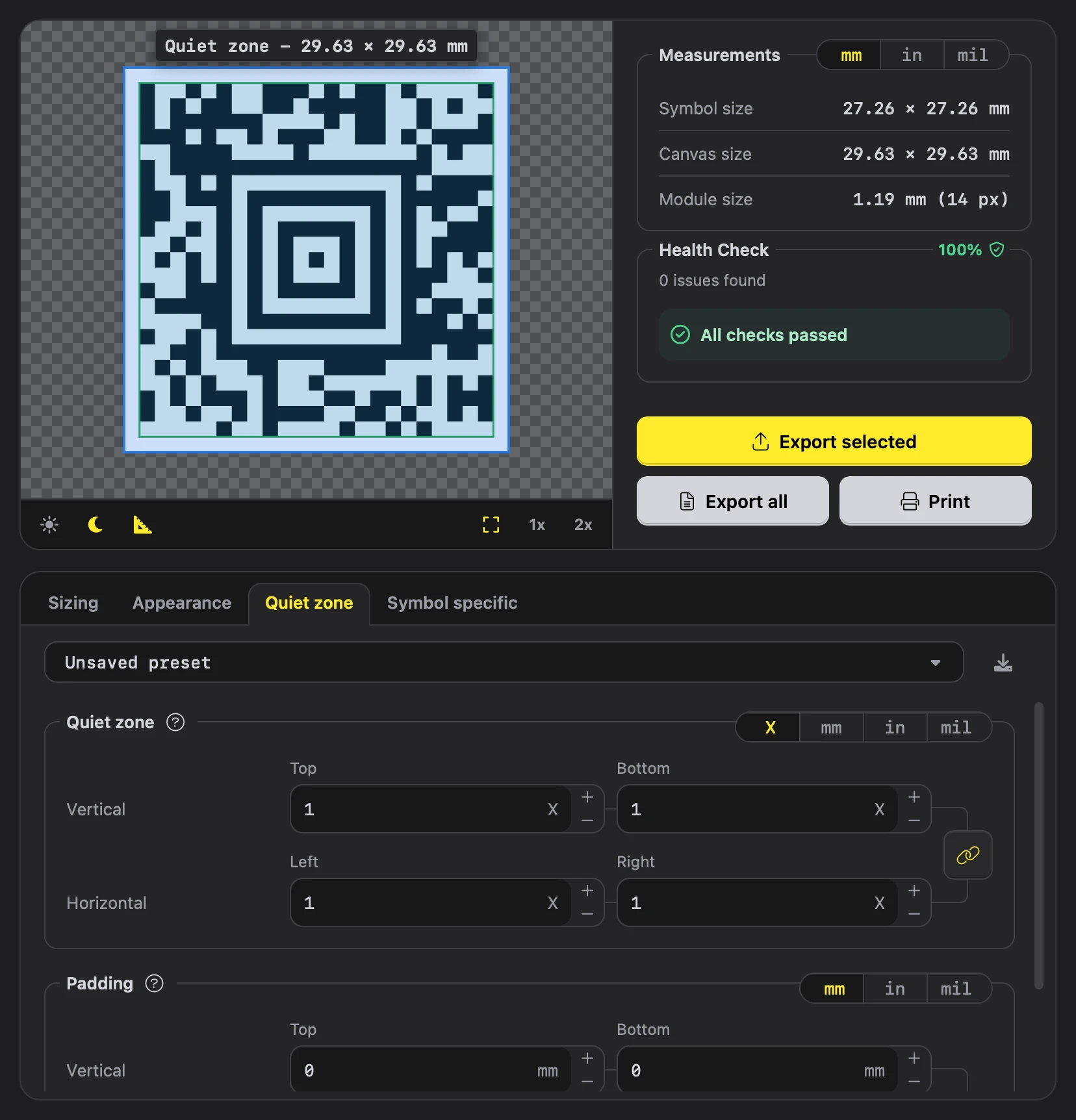
Available options depend on the selected symbology. The screenshot illustrates shared application controls, not a verified scan result for Aztec.
Common issues and print considerations
Copying QR Code size rules
Aztec has its own dimensional and symbol-structure requirements; QR assumptions cannot be transferred verbatim.
Ignoring the target decoder
Some applications mandate a particular format and data structure even when other matrix codes can carry the same text.
Technical basis: ISO/IEC 24778 (Aztec Code). Application and print specifications can impose additional requirements.
Aztec questions
What is the central square in Aztec Code?
It is a bullseye finder pattern used to locate and orient the symbol.
Does Aztec Code support error correction?
Yes. It includes error-correction coding governed by the symbology specification.
Create Aztec with Barcode Next
Work with format-specific data rules, precise dimensions, validation and clear previews in a professional barcode editor for Mac and Windows.
Explore all features or compare the Mac and Windows editions.
Get started with Barcode Next
Download for free
Explore barcode formats, customize QR codes, prepare batches and preview label layouts.
Download