 Barcode Next
ISBN barcode
Generate ISBN-compatible book barcodes with EAN-13 encoding, optional price add-ons and print output.
Books and retail book identification
What is ISBN?
Retail book barcodes are commonly represented using an EAN-13 symbol derived from the book's ISBN. Publishing workflows may also add a 2- or 5-digit supplemental symbol next to the main barcode, for example to carry additional price-related information.
The underlying retail barcode behavior therefore follows EAN-13 rules while adding publishing-specific data handling. ISBN assignment is handled by the publishing identification system. A book barcode merely represents an existing identifier and does not validate bibliographic ownership or the edition associated with a number.
Data requirements
A book barcode normally carries an assigned ISBN-13, typically beginning with 978 or 979, as an EAN-13 symbol with a mandatory check digit. Optional EAN-2 or EAN-5 supplements are separate symbols. ISBN-13 uses a weighted Modulo 10 check digit, and the full thirteen-digit number must be used in the primary EAN-13 symbol. A two- or five-digit supplement, where required, is encoded separately and is not part of the ISBN.
Structure and sizing
The main barcode uses the fixed EAN-13 bar structure. When a supplement is included, it sits to the right with its own required spacing and print constraints. The main bars follow EAN-13 guard and data patterns. An EAN-2 or EAN-5 supplement is positioned to the right with its own encoding and spacing rules, so cover artwork must reserve sufficient room for both symbols.
Technical specifications
- Identifier
- ISBN-13
- Barcode carrier
- EAN-13
- Common prefix
- 978 or 979
- Check digit
- ISBN-13 / GTIN-13 Modulo 10
- Supplement
- Optional EAN-2 or EAN-5 companion
- Standard
- ISBN/GS1 EAN-13 conventions
- Example ISBN-13
- 9780306406157
ISBN in Barcode Next
From book identifier to printed bars
For books, the ISBN-13 number is represented using the familiar EAN-13 bar pattern. A valid ISBN is a publishing identifier, while the barcode is its scannable representation.
Some publishers use a supplemental EAN-5 or EAN-2 symbol alongside the main ISBN barcode. Its role and value depend on regional and retail requirements.
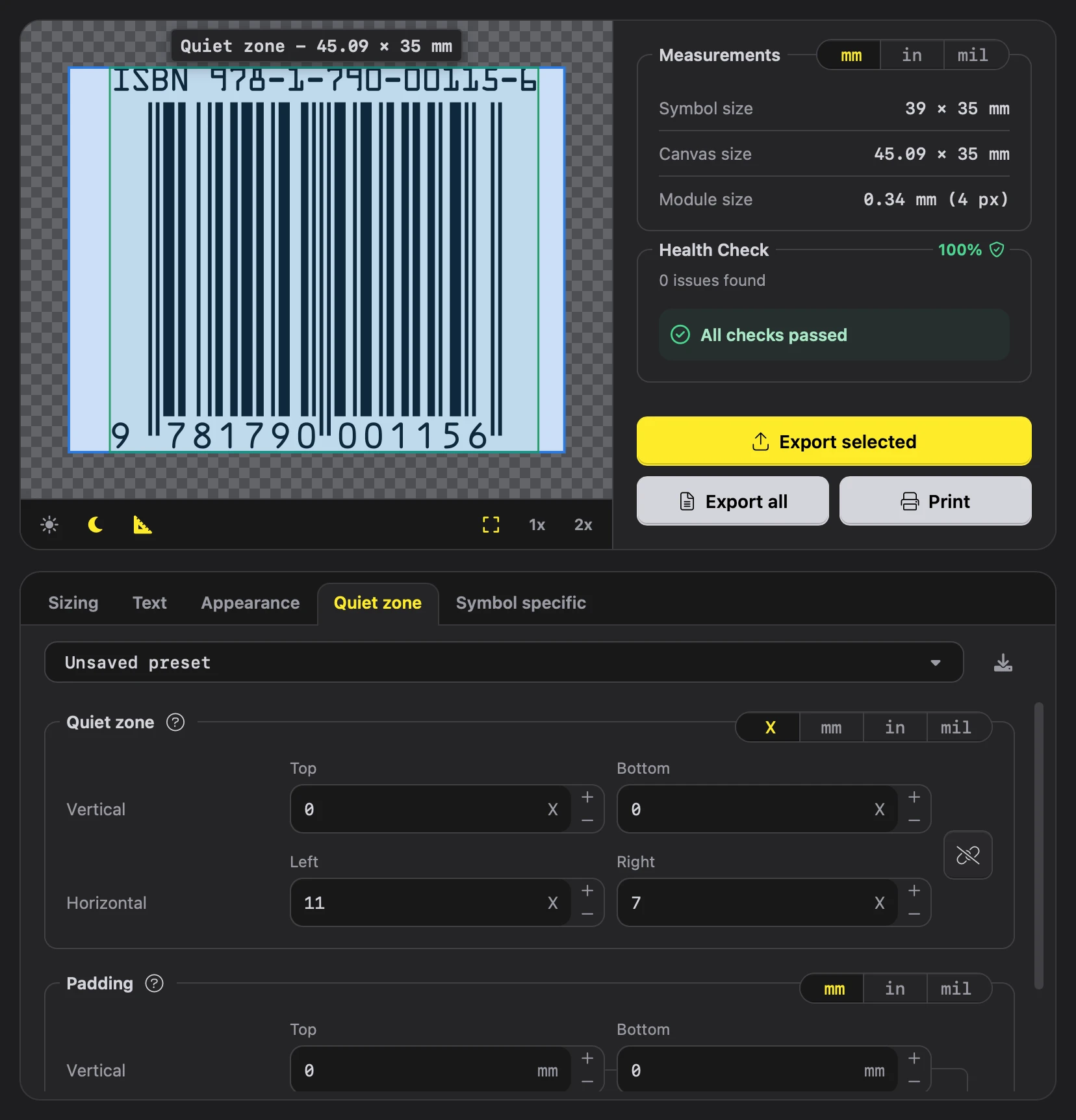
Keep the main symbol and any supplement aligned with their applicable quiet zones. A book cover or jacket design must reserve sufficient space for accurate reproduction.

Batch generation
Import CSV or XLSX data, validate individual records and generate multiple barcodes in one workflow.

Vector and raster export
Export scalable SVG, PDF or EPS files and high-resolution PNG, JPEG or TIFF images for production.

Label printing
Arrange barcodes on label sheets using presets or custom paper sizes, margins and grid layouts.
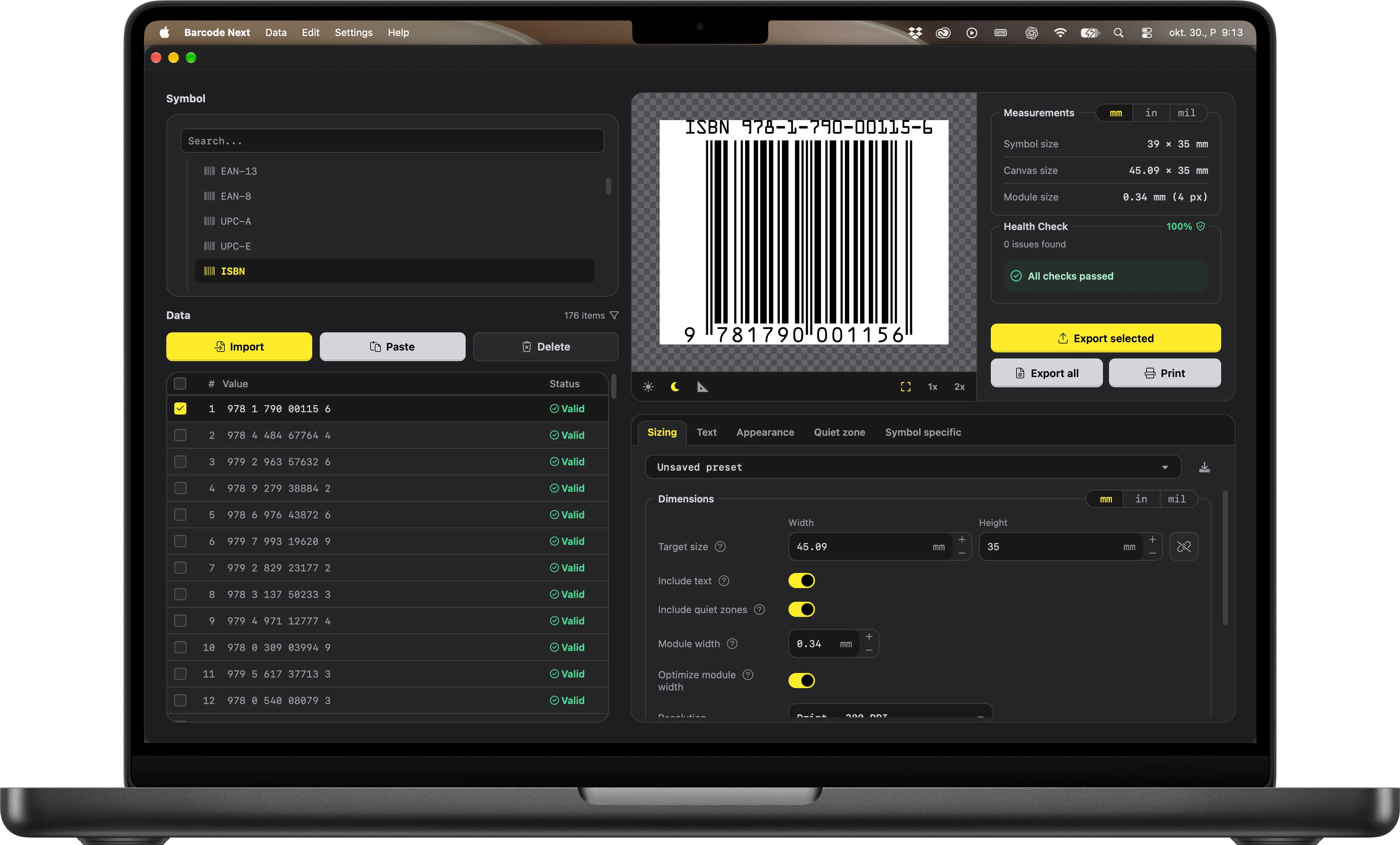
Available options depend on the selected symbology. The screenshot illustrates shared application controls, not a verified scan result for ISBN.
Common issues and print considerations
Treating ISBN as a newly issued GTIN
The publishing identifier must be assigned by an ISBN agency; generating an EAN symbol does not create a new ISBN.
Putting a price into the ISBN digits
Price-related data may use a separate supplemental barcode where applicable, not an arbitrary change to the ISBN itself.
Technical basis: GS1 General Specifications, release 26.0 (2026). Application and print specifications can impose additional requirements.
ISBN questions
Is ISBN-13 rendered as EAN-13?
Yes. Book retail barcodes commonly use the EAN-13 symbology to carry ISBN-13 data.
Can an ISBN barcode have a five-digit add-on?
Yes. Certain publishing workflows use a separate EAN-5 supplement alongside the main symbol.
Create ISBN with Barcode Next
Work with format-specific data rules, precise dimensions, validation and clear previews in a professional barcode editor for Mac and Windows.
Explore all features or compare the Mac and Windows editions.
Get started with Barcode Next
Download for free
Explore barcode formats, customize QR codes, prepare batches and preview label layouts.
Download